Park or Point Domain by Cloudflare
Follow the steps below to point your domain to Ezohost using Cloudflare DNS.
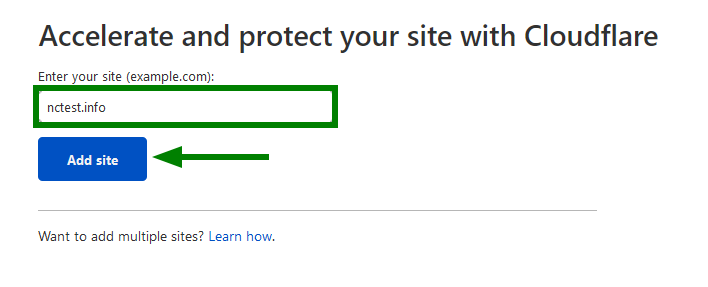
- First, create an account on Cloudflare and add your site.
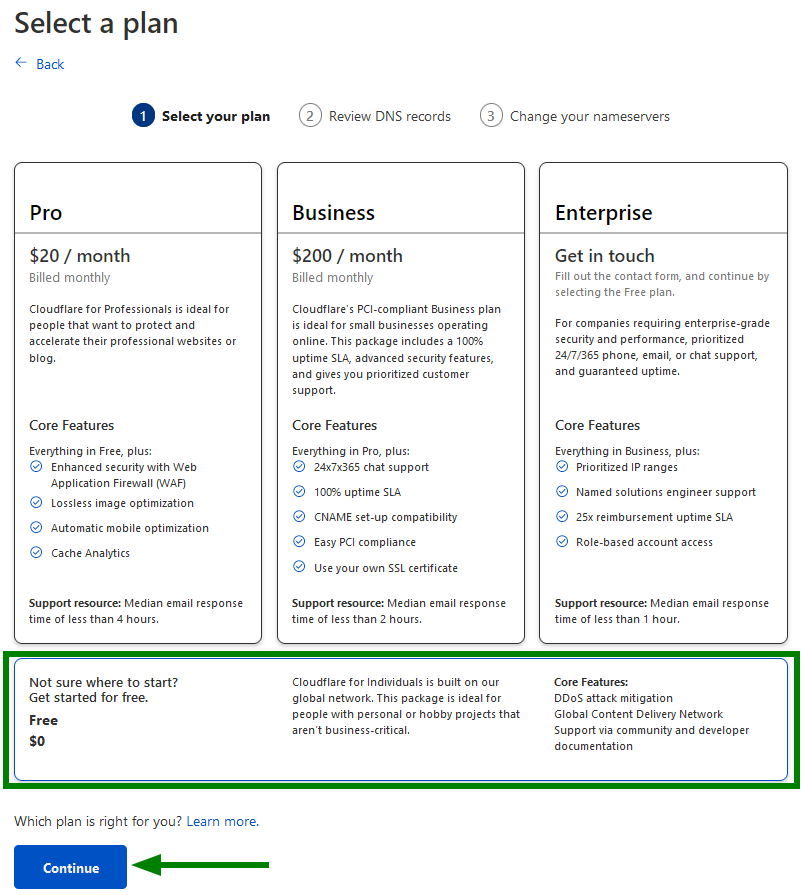
- Then select a free plan and click Continue.
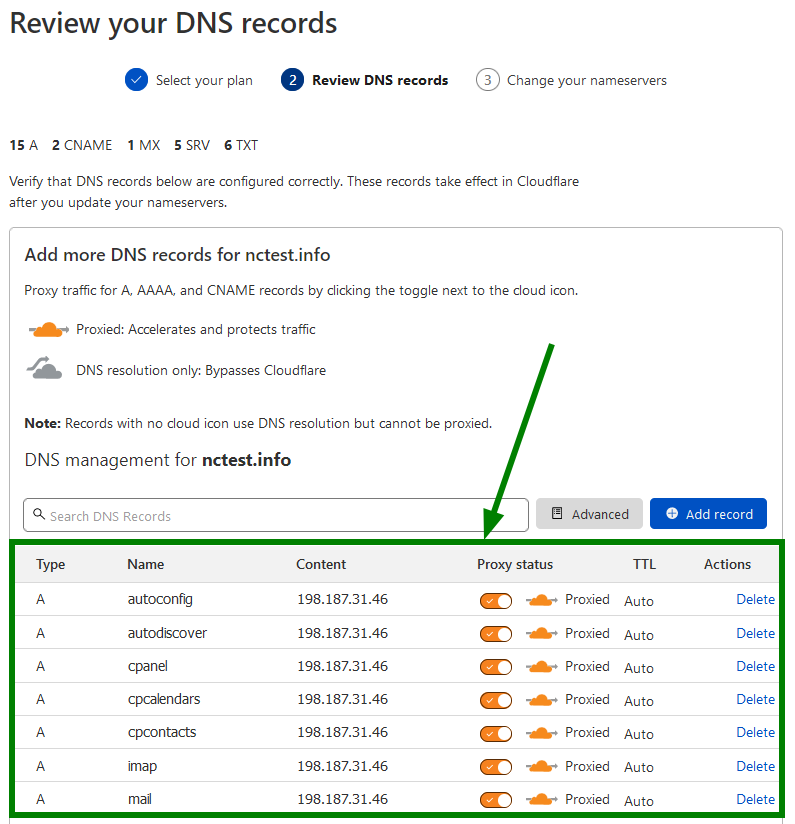
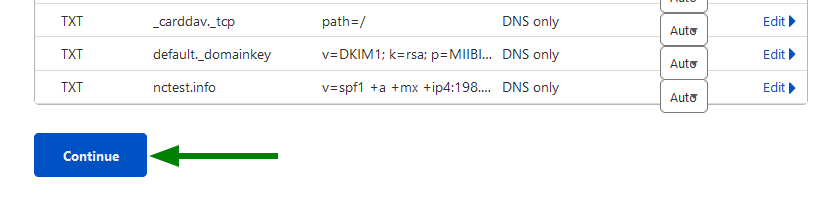
- Then it will look like the picture below and continue again.
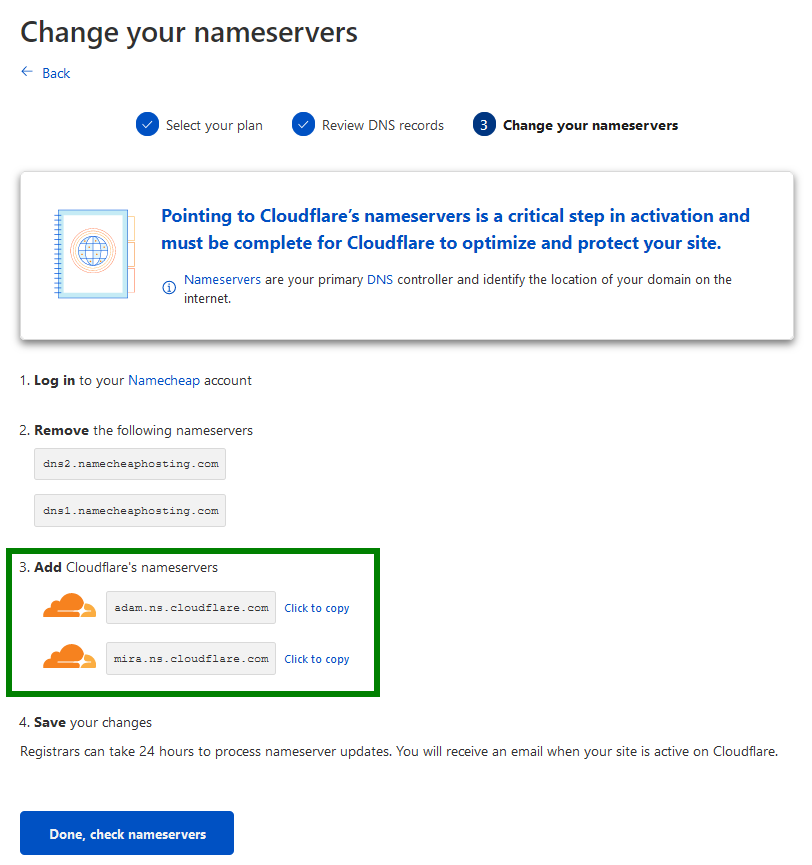
- Then copy the Cloudflare nameserver from option number 3 shown in the picture below and point it to your domain provider.
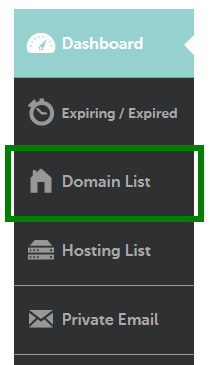
- First, log in to your domain provider account and click on the domain list.

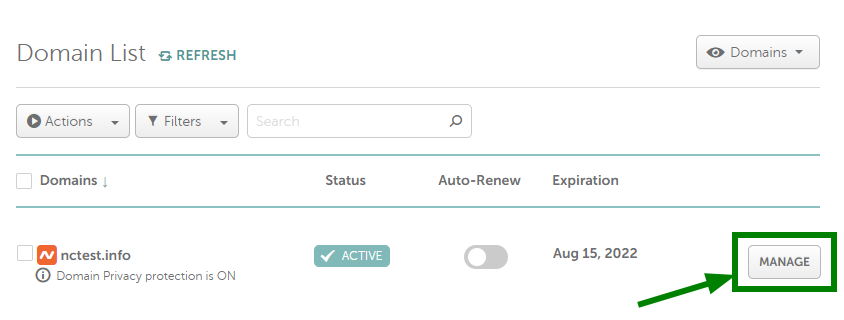
- When the domain list is displayed, click on the Manage option as shown in the picture below.
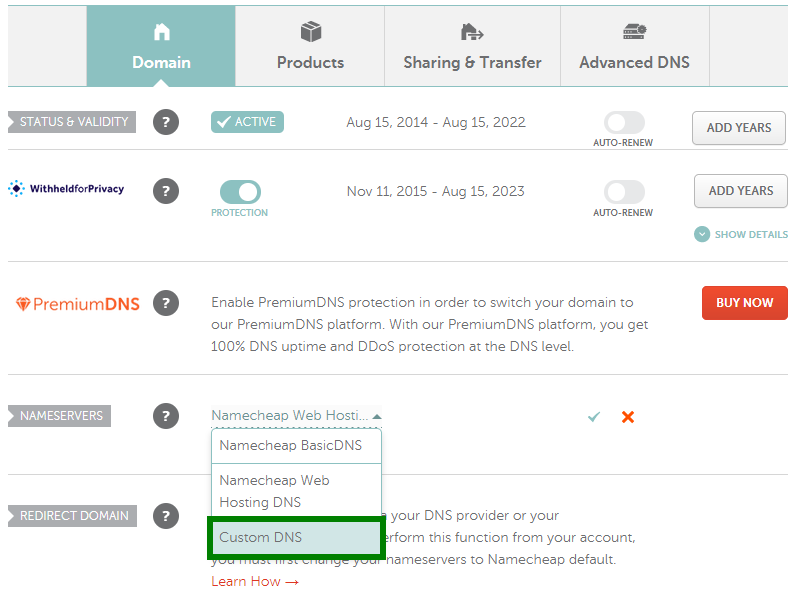
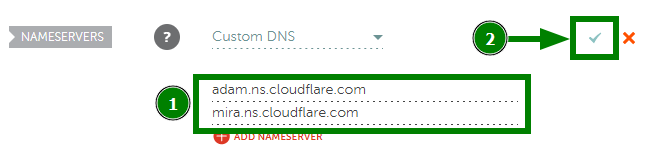
- Then select Custom DNS from the Name Server option and paste the name servers 1 and 2 and click on the check mark as shown in the picture.
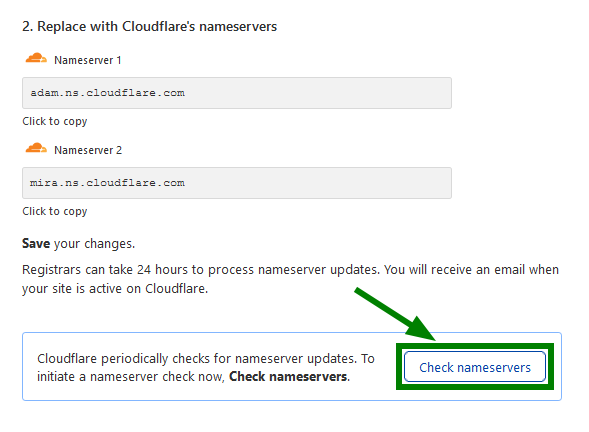
- Then from Cloudflare, click on Check Name Server as shown in the picture below and check it.
- Then from Cloudflare, click on Check Name Server as shown in the picture below and check it.
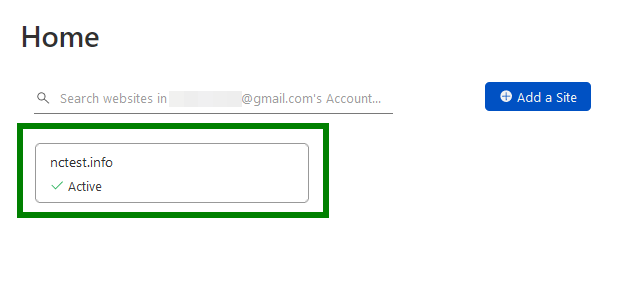
- Then if your site shows active from Cloudflare, you will understand that your site has been added to Cloudflare.
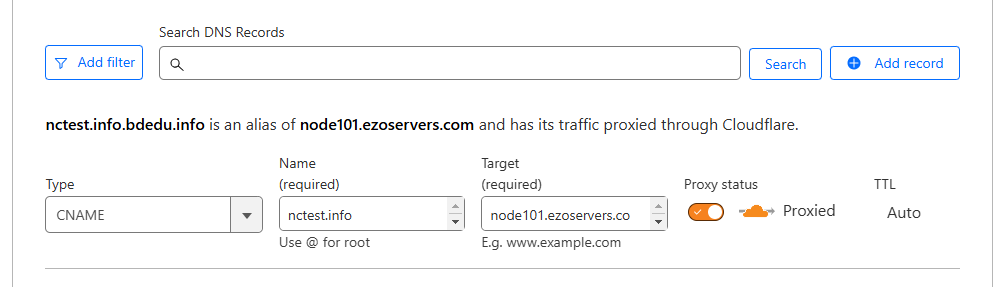
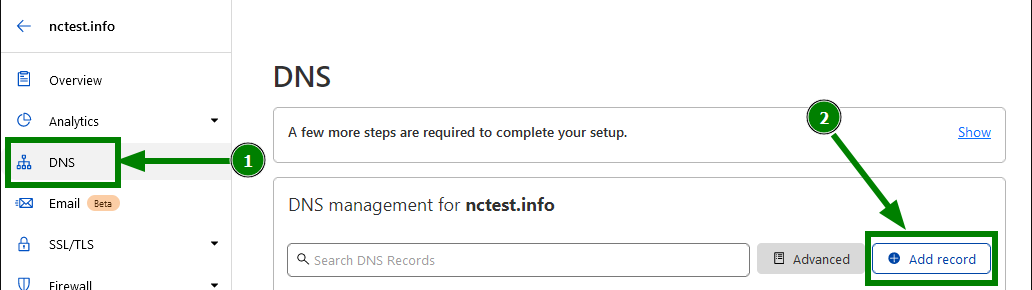
- Then from the Cloudflare site, click on add record from the DNS option.
- Then, as shown in the image below, type CNAME, name domain, and target Ezohost server name (example:node101.ezoservers.com).